XTG STUDIOS · EXPLORING SPATIAL VIDEO
Familiar scenes.
A new dimension.
Turn ordinary 2D video into stereoscopic content.
Watch it on Apple Vision Pro.
Your computer does the conversion, giving distant landscapes, people, and foregrounds a sense of depth.
Start with a moving flat scene, then travel into its depth.
Start with a familiar video
Use existing 2D footage as the input, with processing on your computer.
Reconstruct its depth
Estimate spatial relationships and generate different views for each eye.
Watch in a headset
View the converted stereoscopic content on Apple Vision Pro.
FROM THE WORKBENCH
From an idea to actual frames.
These samples come from conversion tests saved in the project. Switch views to follow one frame from the original image to stereo output.
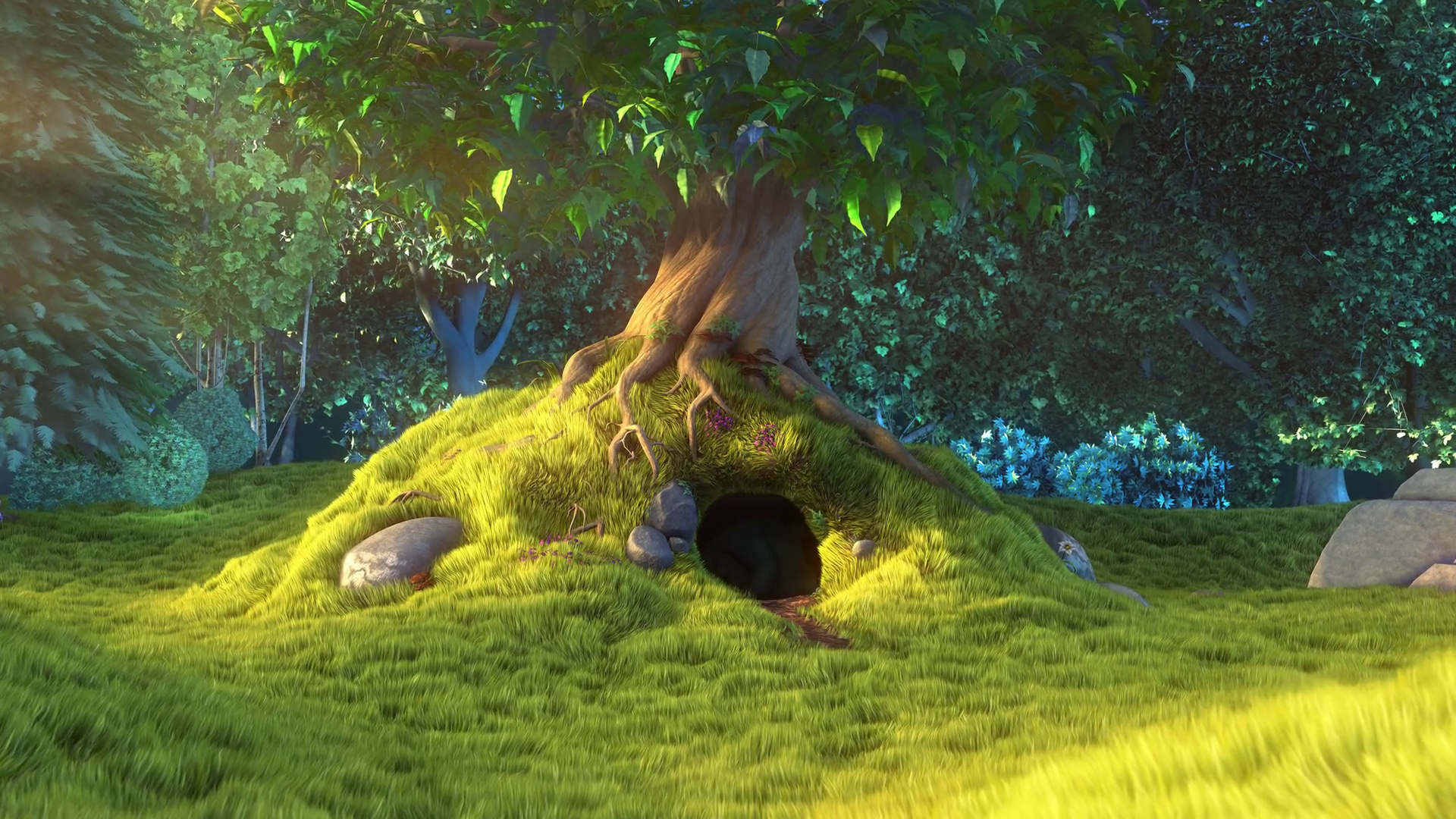 2D SOURCE
The original 2D test frame, used as input for depth estimation and stereo reconstruction.
 ESTIMATED DEPTH
A false-color depth map generated by the project, showing estimated relative distance.
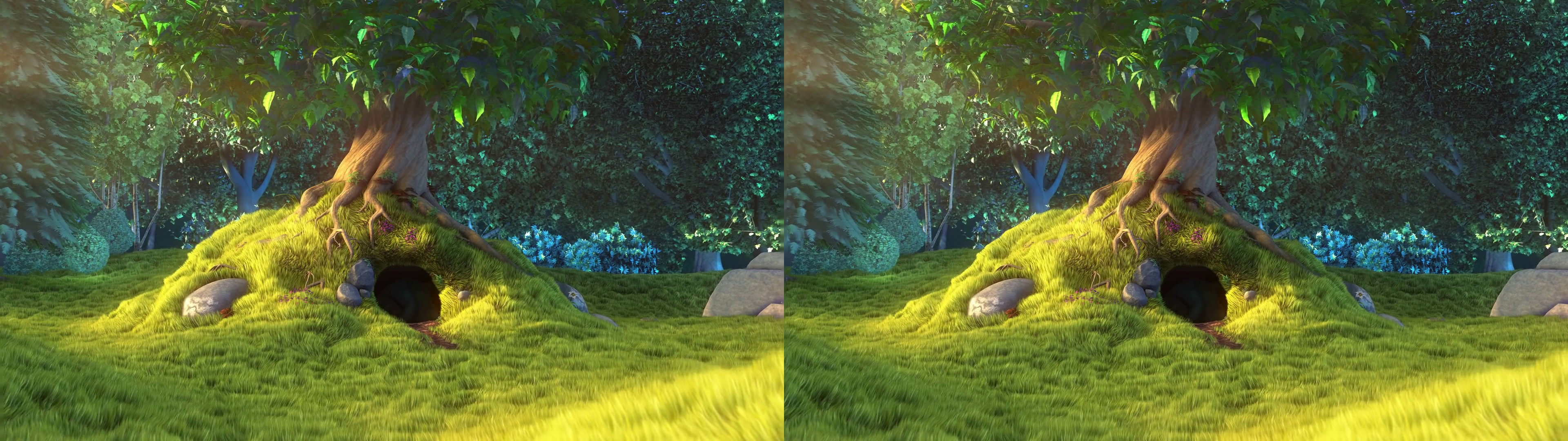 LEFT / RIGHT
The generated left and right views, side by side (Full-SBS). This is a flat preview, not the stereoscopic experience inside a headset.
Test footage: Big Buck Bunny · © 2008 Blender Foundation / www.bigbuckbunny.org · CC BY 3.0
Depth and stereo images are test derivatives generated by the AI3D Player project.
A CONNECTED EXPERIENCE
The PC converts.
The headset brings it to life.
Based on the current Safari workflow. You need a Windows PC, an Apple Vision Pro, and a local network that allows the two devices to connect.
- 01
Prepare on your PC
Start the PC service and choose the video folders it can share.
- 02
Convert, then play
Queue a conversion from the web library. Your computer processes and saves the stereo video.
- 03
Open it on Vision Pro
Visit the PC’s local address in Safari, select the converted video, and enter fullscreen.
The current main workflow needs no separate native visionOS app. GPU compatibility and minimum specifications have not yet been published as formal installation requirements.
A FEW ANSWERS
A few useful answers
Does conversion happen on the headset?
No. The current workflow runs conversion on a Windows PC. Apple Vision Pro uses Safari to access the PC’s library and play the converted video.
Does every video work? Can I watch in real time?
A complete compatibility list has not been released. Results and speed depend on the source, model, and PC configuration; this page makes no promise of universal compatibility or a fixed frame rate. Live streaming is experimental, with headset validation still outstanding.
Is the animation an actual conversion result?
The landscape animation is a concept illustration. The development section shows real depth and stereo test frames generated by the project, but a flat web preview cannot reproduce stereoscopic viewing in a headset.
When can I download it?
A public installer and formal release notes are in preparation. There is no public download or store listing here yet. Contact XTG Studios about testing, collaboration, or product support.
FOLLOW THE DEVELOPMENT
One more dimension to your next watch.
AI3D Player is in development. We welcome conversations about testing, technical collaboration, and product feedback.
- Release status
- Public installer in preparation
- Product version
- In development · No formal version announced
- Page sources reviewed